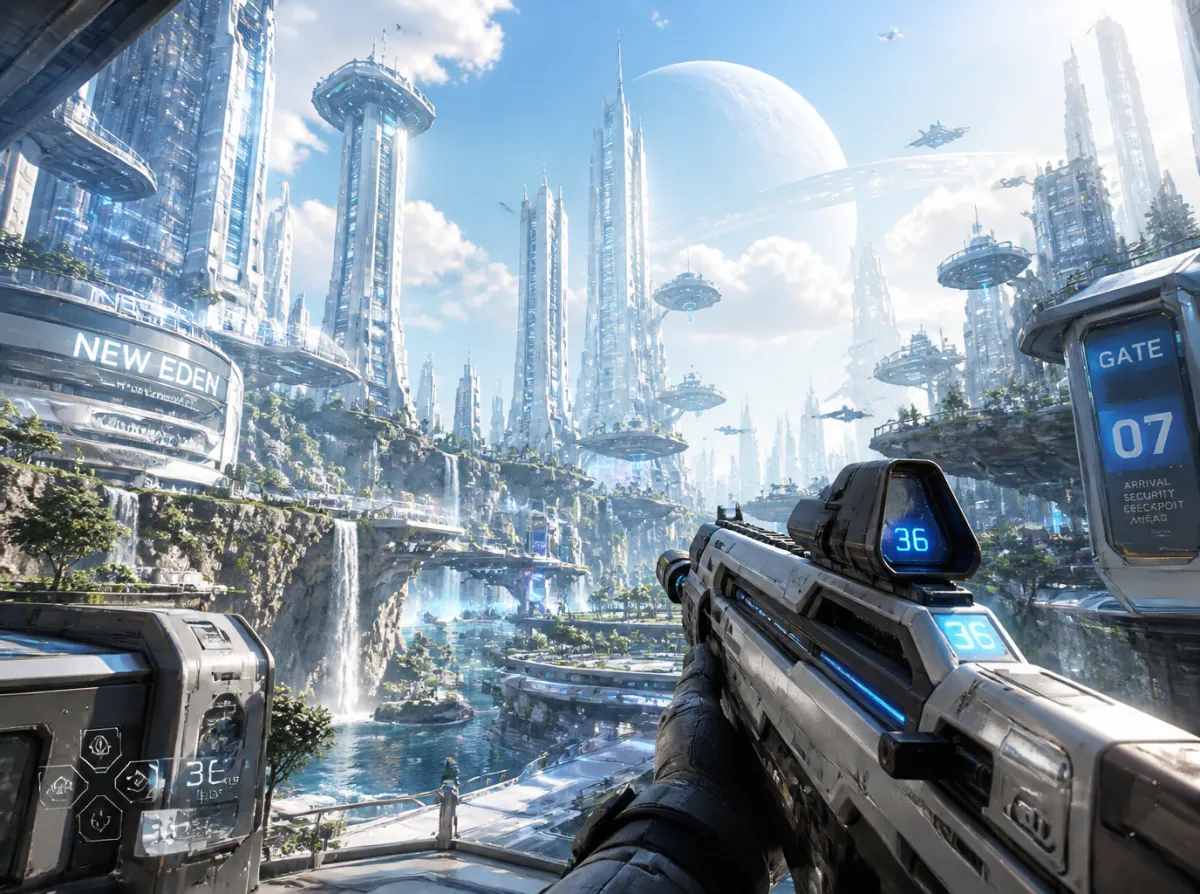
What this AI video template helps you create
Design an immersive first-person story with clear choices, tracked state, and producible branches.
It is designed for immersive narrative, first-person shorts, puzzles and challenges, branching stories, viewer participation, and interactive campaign experiences. Start from the prepared workflow, then adapt the creative direction, media, language, runtime, and delivery settings to the project you are actually producing.
What to prepare
- Viewer role and goal
- Core situation and story rules
- Interaction model and branch depth
- NPC, prop, item, and relationship states
- Runtime, aspect ratio, and target interface
What the workflow prepares
- POV and interaction specification
- Branch-state map
- Choice consequences
- Continuous first-person scene plan
- Multiple planned endings
How the First-Person Interactive Video workflow works
- 01
Define the point of view
Set the viewer's role, opening situation, and goal while keeping the viewer as the first-person protagonist.
- 02
Choose the interaction model
Define choices, hotspots, item use, gaze holds, ordered actions, or another limited and readable interaction pattern.
- 03
Track branch state
Lock NPC reactions, props, conditions, consequences, relationships, events, and endings so meaningful choices remain consistent.
- 04
Set the format
Define runtime, episode count, aspect ratio, interaction layers, number of choices, branch depth, and endings.
- 05
Plan production
Use one continuous first-person take per scene, keep the protagonist's face off screen, and separate controls from the video image.
Best use cases
- immersive narrative
- first-person shorts
- puzzles and challenges
- branching stories
- viewer participation
- interactive campaign experiences
The template is a starting structure. The final result still depends on the accuracy and quality of your source media, the choices you approve, model availability, and the settings shown in the live Vitent interface.
What to review before generation
Verify story scope, character and world continuity, source rights, portrayal boundaries, runtime, aspect ratio, and the live credit estimate before generation. Review every scene and completed clip before the project moves into an episode or series.
Frequently asked questions
What do I need to use the First-Person Interactive Video template?
Prepare Viewer role and goal, Core situation and story rules, Interaction model and branch depth, NPC, prop, item, and relationship states, and Runtime, aspect ratio, and target interface. The live Agent may request additional information when your concept, references, or delivery requirements need it.
What does the First-Person Interactive Video template produce?
The workflow prepares POV and interaction specification, Branch-state map, Choice consequences, Continuous first-person scene plan, and Multiple planned endings. Review the live plan, model settings, credit estimate, and generated material before you use or publish the result.