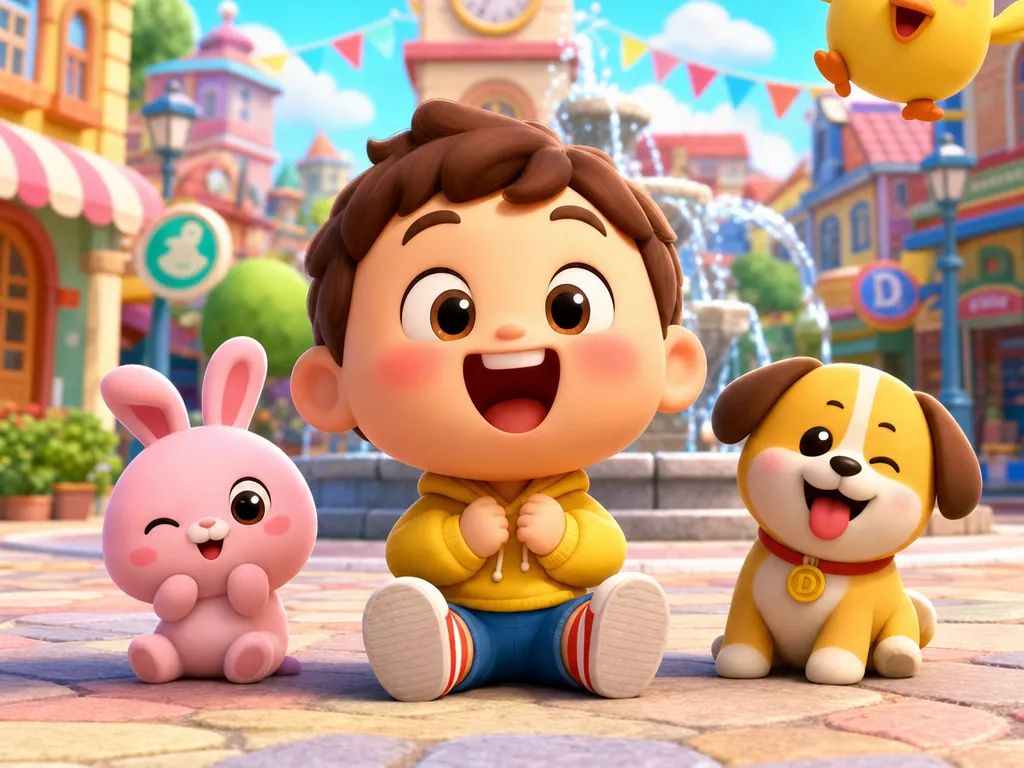
What this AI video template helps you create
Keep 3D characters, worlds, materials, lighting, animation, and camera language consistent across production.
It is designed for 3D cartoons, children's animation, branded cartoon shorts, character promos, serialized IP content, and 3D animated stories. Start from the prepared workflow, then adapt the creative direction, media, language, runtime, and delivery settings to the project you are actually producing.
What to prepare
- Story or episode concept
- Character descriptions and visual references
- Environment and prop requirements
- Runtime, episode count, and aspect ratio
- Rendering, lighting, color, motion, and age-appropriateness direction
What the workflow prepares
- Character design specification
- Unified environment system
- Material and lighting direction
- Animation and camera rules
- Structured 3D animation project
How the 3D Cartoon and Children's Animation workflow works
- 01
Set the project format
Define aspect ratio, episode count, runtime, capacity, pacing, and shot-format requirements.
- 02
Lock character design
Specify body and head proportions, volume, silhouette, facial features, clothing, accessories, style, and continuity.
- 03
Unify environments
Define architecture, props, spatial depth, detail, and style so characters and worlds share one visual system.
- 04
Set materials, lighting, and color
Choose model materials, textures, finish, light direction, shadows, palette, atmosphere, and rendering consistency.
- 05
Define animation and camera
Set motion range, facial acting, rhythm, shot-size changes, camera movement, and controlled exaggeration.
Best use cases
- 3D cartoons
- children's animation
- branded cartoon shorts
- character promos
- serialized IP content
- 3D animated stories
The template is a starting structure. The final result still depends on the accuracy and quality of your source media, the choices you approve, model availability, and the settings shown in the live Vitent interface.
What to review before generation
Verify story scope, character and world continuity, source rights, portrayal boundaries, runtime, aspect ratio, and the live credit estimate before generation. Review every scene and completed clip before the project moves into an episode or series.
Frequently asked questions
What do I need to use the 3D Cartoon and Children's Animation template?
Prepare Story or episode concept, Character descriptions and visual references, Environment and prop requirements, Runtime, episode count, and aspect ratio, and Rendering, lighting, color, motion, and age-appropriateness direction. The live Agent may request additional information when your concept, references, or delivery requirements need it.
What does the 3D Cartoon and Children's Animation template produce?
The workflow prepares Character design specification, Unified environment system, Material and lighting direction, Animation and camera rules, and Structured 3D animation project. Review the live plan, model settings, credit estimate, and generated material before you use or publish the result.