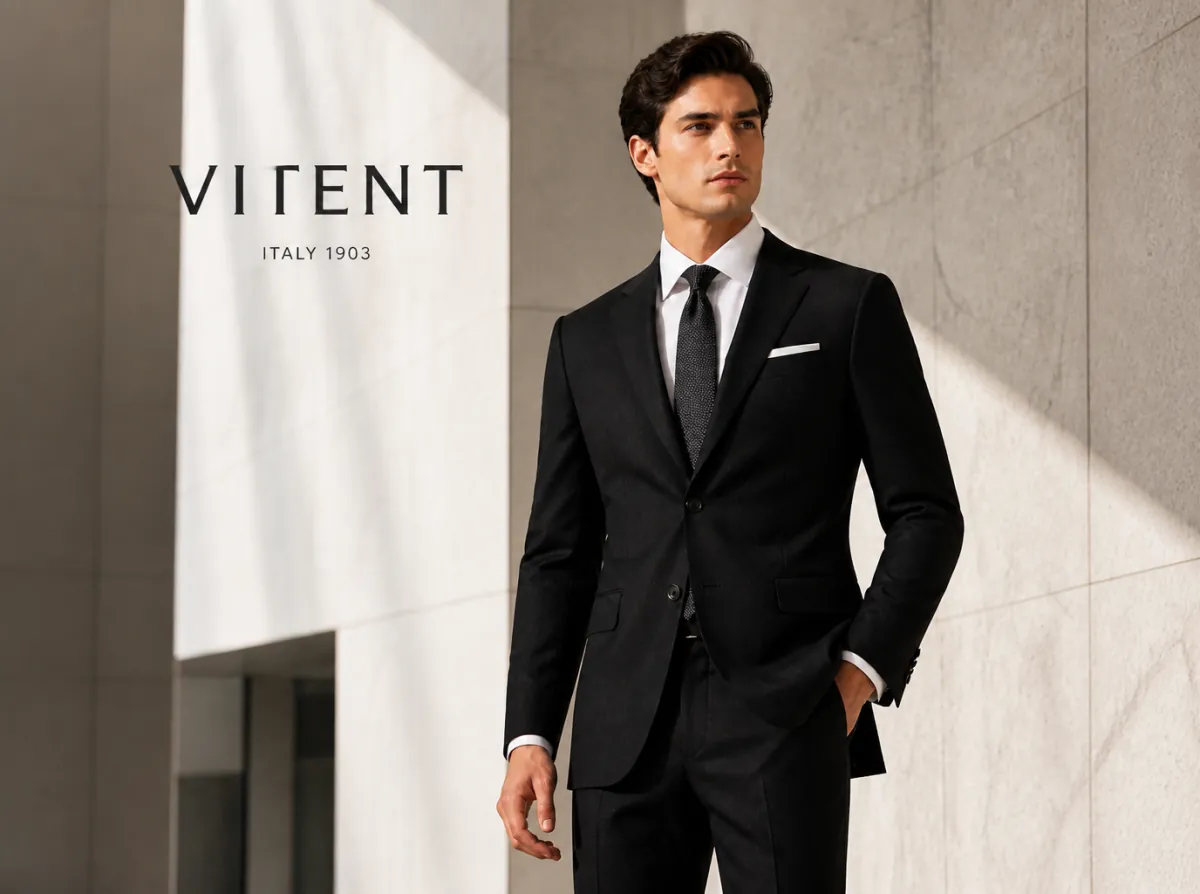
What this AI video template helps you create
Build creator-led fashion and accessory videos from product details, selling points, and try-on assets.
It is designed for apparel, footwear, bags, jewelry, eyewear, and hats, scarves, and accessories. Start from the prepared workflow, then adapt the creative direction, media, language, runtime, and delivery settings to the project you are actually producing.
What to prepare
- Clear product images from useful angles
- Accurate material, fit, size, color, and care details
- Optional model or styling references
- Target platform, runtime, and creator tone
What the workflow prepares
- Selling-point analysis
- Creator script
- Try-on or display asset plan
- Storyboard prompts
- Generated product video and social copy
How the Fashion, Bags and Accessories Video workflow works
- 01
Prepare product assets
Upload apparel, footwear, bag, or accessory images and choose the approach, model references, and runtime.
- 02
Identify selling points
Analyze fit, materials, color, construction details, styling, and settings to define the strongest product angles.
- 03
Write the creator script
Prepare and confirm a natural recommendation script for TikTok, Reels, or YouTube Shorts.
- 04
Prepare try-on and display assets
Organize model, styling, try-on, bag, or accessory-display references and generate missing assets when needed.
- 05
Create storyboard prompts
Convert the script, product, and display assets into production-ready prompts.
- 06
Generate and deliver
Generate the video plus platform-ready titles, descriptions, and hashtags.
Best use cases
- apparel
- footwear
- bags
- jewelry
- eyewear
- hats, scarves, and accessories
The template is a starting structure. The final result still depends on the accuracy and quality of your source media, the choices you approve, model availability, and the settings shown in the live Vitent interface.
What to review before generation
Verify source rights, product facts, brand claims, names, on-screen text, reference consistency, runtime, aspect ratio, and the live credit estimate before generation. Inspect the completed video for visual continuity and factual accuracy before publishing.
Frequently asked questions
What do I need to use the Fashion, Bags and Accessories Video template?
Prepare Clear product images from useful angles, Accurate material, fit, size, color, and care details, Optional model or styling references, and Target platform, runtime, and creator tone. The live Agent may request additional information when your concept, references, or delivery requirements need it.
What does the Fashion, Bags and Accessories Video template produce?
The workflow prepares Selling-point analysis, Creator script, Try-on or display asset plan, Storyboard prompts, and Generated product video and social copy. Review the live plan, model settings, credit estimate, and generated material before you use or publish the result.